
Working with Windows
2-Session Class
Thursday, May 18
10:30am - 12:30pm
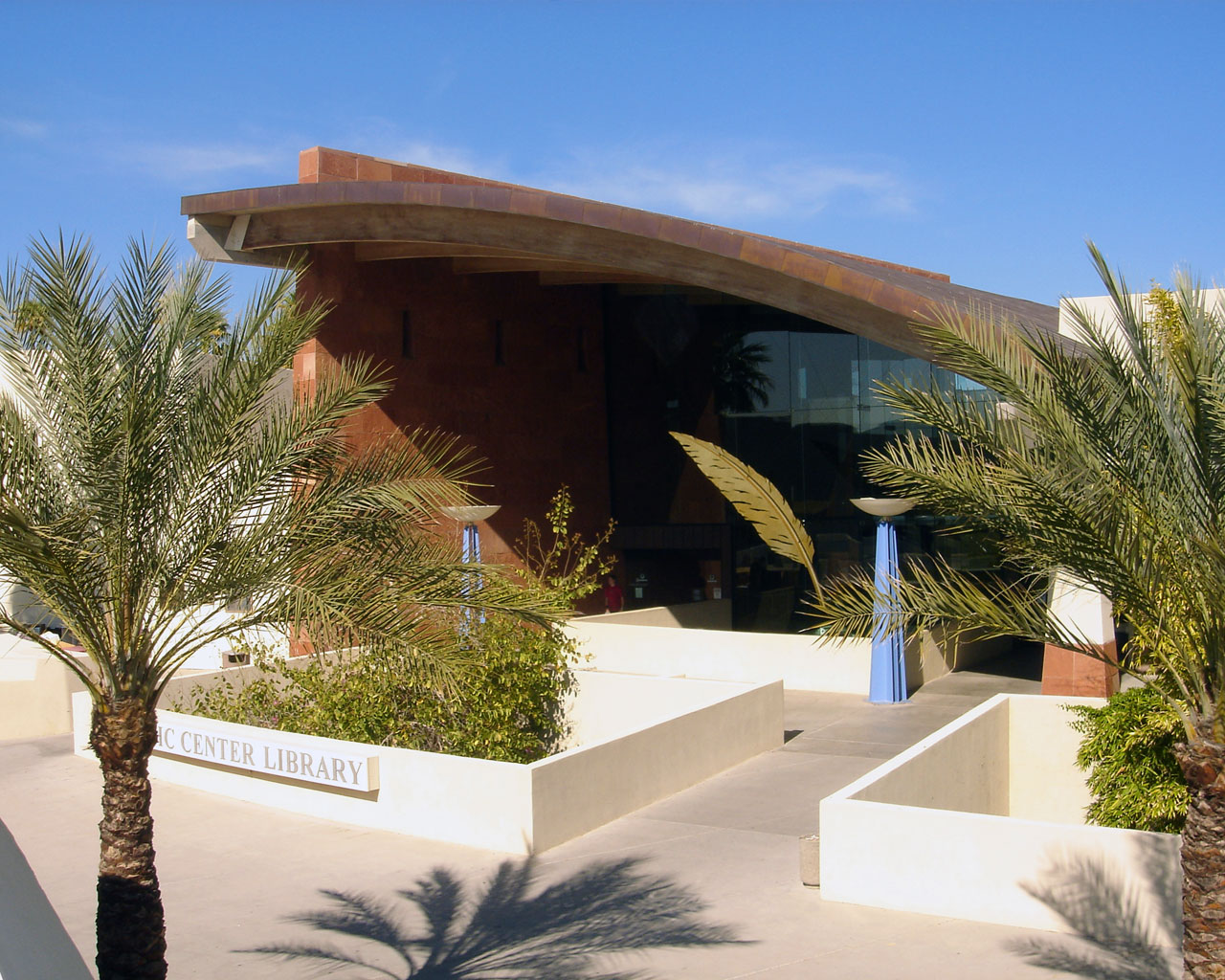
Civic Center Library
Classroom @ the LoftLearn how to make Windows 10 easier and more specific to your personal needs. **Space is limited, first come first served for ticket registration.
Learn to add and remove tiles, use settings to change configuration and set up split screen to compare information on two different websites. Use Snip-it tool to copy only the information you want from a web page or document and paste it anywhere you like. Learn about other tools and programs in the Windows 10 system. Prerequisite: Proficiency in the use of computers. Classes are taught on library supplied laptops.
Students taking this class should have basic computer skills and mouse knowledge.
**Space is limited, so please see a staff person prior to the start of the program to pick up a ticket which will be your registration. Tickets will only be available on the first day of multi-session classes and are good for all sessions. Registration closes after first session.
If you think that you may need some assistance to attend one of our classes, we might be able to help with that. Please contact Ray Ceo, our Supervisor of Volunteers, through email at rceo@scottsdaleaz.gov.
TAGS: | Technology | Adult Education |
Civic Center Library
Opened August 30, 1968
103,000 square feet
73 public-use computers
Café
Loft collaborative workspace
The Gallery @ the Library
Scottsdale Heritage Collection